Plex Media Server
| Description / name | Input element |
|---|---|
| Container Registry | |
| Container Configuration Root Path | |
| Global /movies Path | |
| Global /tv Path | |
| Timezone | |
| User ID | |
| Group ID | |
| Plex Media Server /config Path | |
| Plex Media Server /transcode Path |


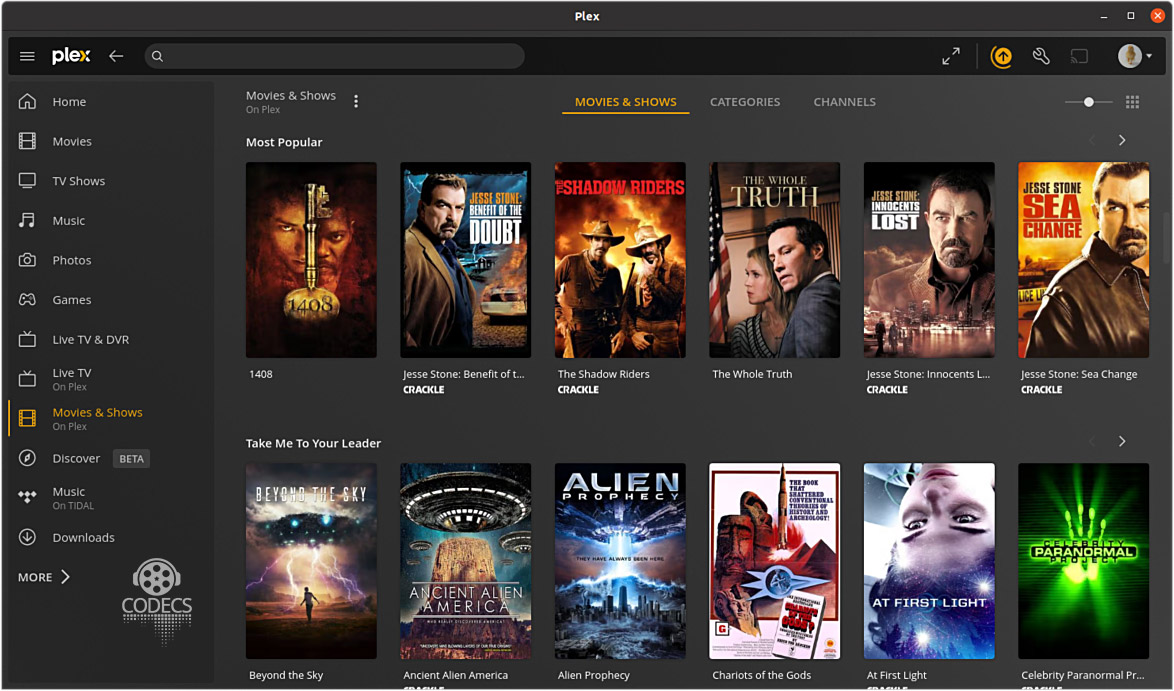
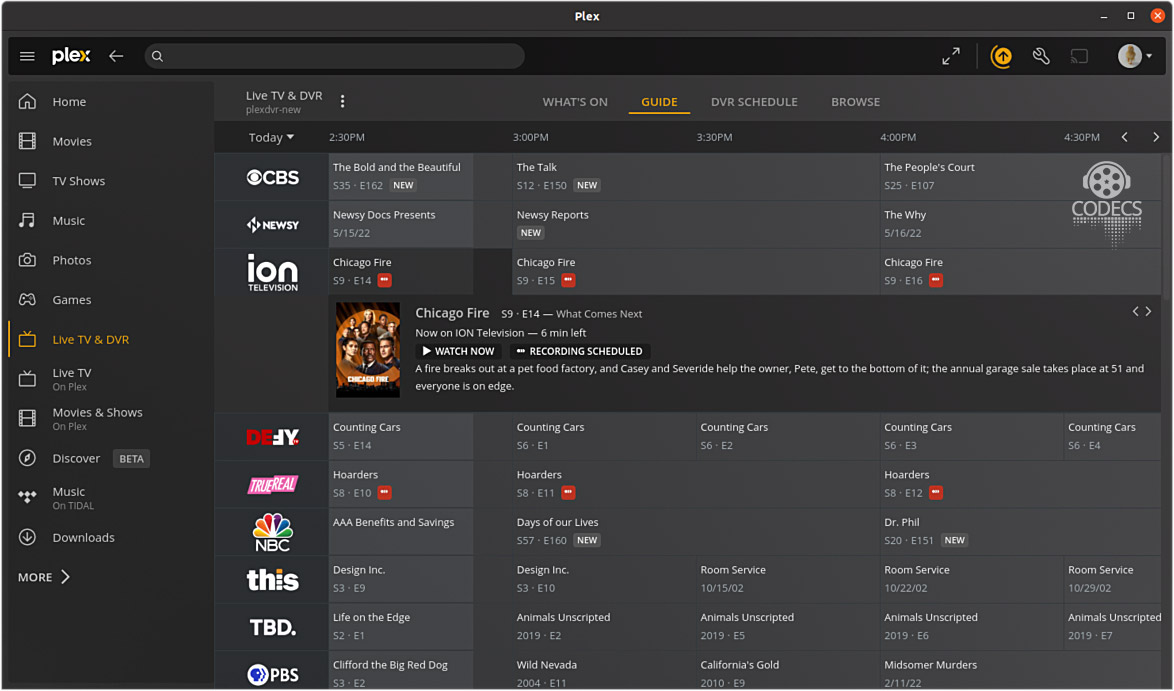
Personal media server that organizes and streams your movie, TV, and music collections to all your devices.
| Registry | ghcr.io/daemonless/plex |
| Daemonless | daemonless/plex |
| Source | daemonless/plex |
| Website | plex.tv |
Version Tags
| Tag | Description | Best For |
|---|---|---|
latest |
Upstream Binary. Built from official release. | Most users. Matches Linux Docker behavior. |
Root Privileges Required
Podman on FreeBSD currently requires root. All commands must be run as root (or via doas/sudo).
Before deploying, ensure your host environment is ready. See the Quick Start Guide for host setup instructions.
Deployment
services:
  plex:
    image: "ghcr.io/daemonless/plex:latest"
    container_name: plex
    environment:
      - PUID=1000  # User ID for the application process
      - PGID=1000  # Group ID for the application process
      - TZ=UTC  # Timezone for the container
      - VERSION=container  # Plex update channel (container, public, plexpass)
      - PLEX_CLAIM=  # Optional: Claim token — get one at https://plex.tv/claim
    volumes:
      - "/path/to/containers/plex:/config"
      - "/path/to/containers/plex/transcode:/transcode" # optional
      - "/path/to/movies:/movies"
      - "/path/to/tv:/tv"
    restart: unless-stopped
options:
  - virtualnet: ':<random> default'
  - nat:
services:
  plex:
    name: plex
    options:
      - container: 'boot args:--pull'
    oci:
      user: root
      environment:
        - PUID: !ENV '${PUID}'
        - PGID: !ENV '${PGID}'
        - TZ: !ENV '${TZ}'
        - VERSION: !ENV '${VERSION}'
        - PLEX_CLAIM: !ENV '${PLEX_CLAIM}'
    volumes:
      - PLEX_CONFIG_PATH: /config
      - PLEX_TRANSCODE_PATH: /transcode
      - MOVIES_PATH: /movies
      - TV_PATH: /tv
volumes:
  PLEX_CONFIG_PATH:
    device: '/path/to/containers/plex'
  PLEX_TRANSCODE_PATH:
    device: '/path/to/containers/plex/transcode'
  MOVIES_PATH:
    device: '/path/to/movies'
  TV_PATH:
    device: '/path/to/tv'
- name: Deploy plex
  containers.podman.podman_container:
    name: plex
    image: "ghcr.io/daemonless/plex:latest"
    state: started
    restart_policy: always
    env:
      PUID: "1000"
      PGID: "1000"
      TZ: "UTC"
      VERSION: "container"
      PLEX_CLAIM: ""
    volumes:
      - "/path/to/containers/plex:/config"
      - "/path/to/containers/plex/transcode:/transcode" # optional
      - "/path/to/movies:/movies"
      - "/path/to/tv:/tv"
Interactive Configuration
Parameters
Environment Variables
| Variable | Default | Description |
|---|---|---|
PUID |
1000 |
User ID for the application process |
PGID |
1000 |
Group ID for the application process |
TZ |
UTC |
Timezone for the container |
VERSION |
container |
Plex update channel (container, public, plexpass) |
PLEX_CLAIM |
`` | Optional: Claim token — get one at https://plex.tv/claim |
Volumes
| Path | Description |
|---|---|
/config |
Configuration directory |
/transcode |
Transcode directory (Optional) |
/movies |
Movie library |
/tv |
TV series library |
Host Networking
Plex requires network_mode: host on FreeBSD Podman. Bridge networking causes the Plex setup
wizard to reject all connections with "Not authorized" because it only allows access from
127.0.0.1, and bridge networking makes all connections appear to come from the gateway IP.
With host networking, ports are bound directly on the host — no ports: mapping needed.
Initial Setup
The Plex setup wizard must be accessed from localhost. After starting the container, create
an SSH tunnel from your local machine:
Then open http://localhost:32400/web in your browser to complete setup.
Implementation Details
- Architectures: amd64
- User:
bsd(UID/GID set via PUID/PGID). Defaults to1000:1000. - Base: Built on
ghcr.io/daemonless/base(FreeBSD 15.0).
Need help? Join our Discord community.