code-server
| Description / name | Input element |
|---|---|
| Container Registry | |
| Container Configuration Root Path | |
| Timezone | |
| User ID | |
| Group ID | |
| code-server Host Port | |
| code-server /config Path |


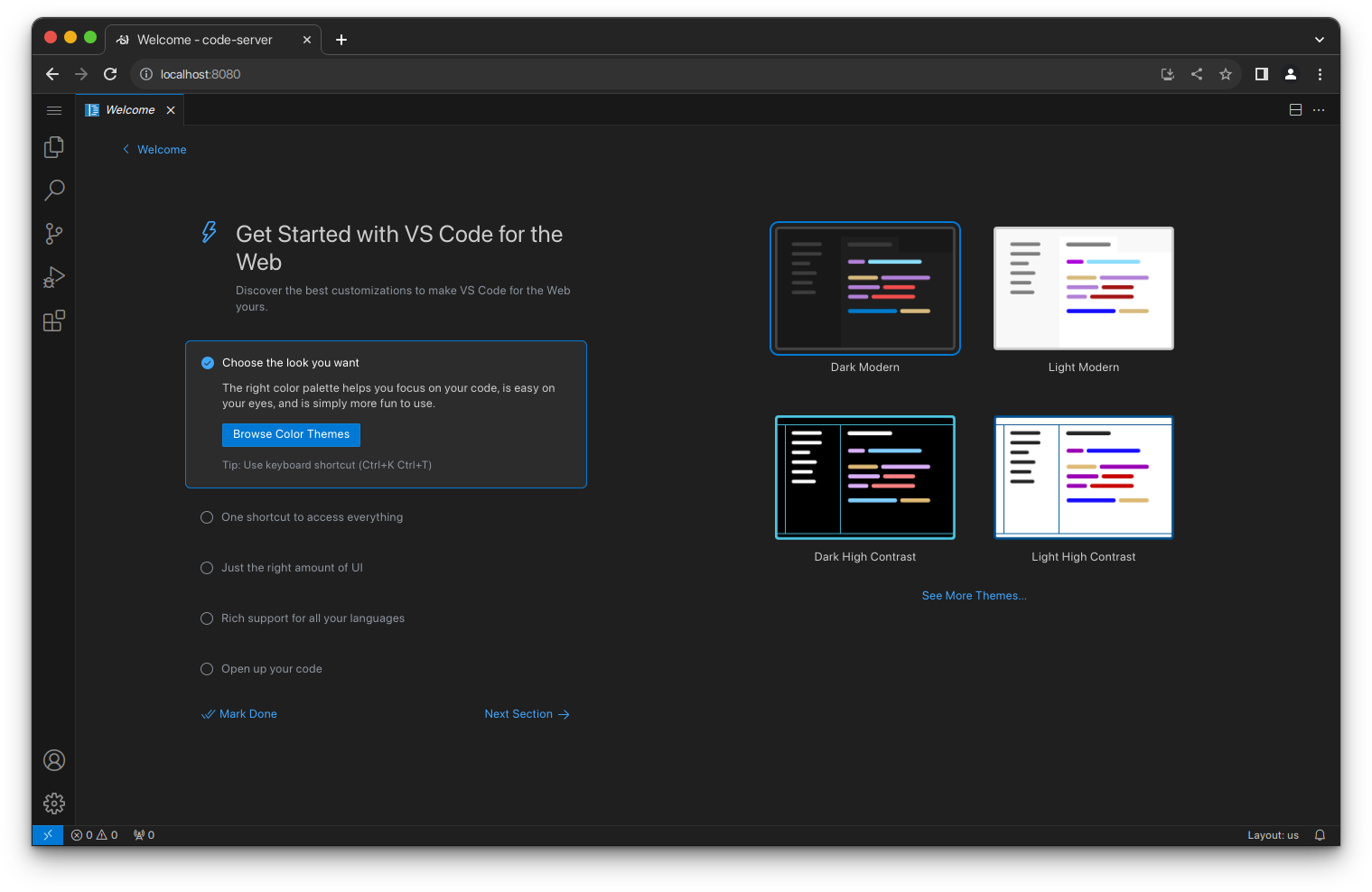
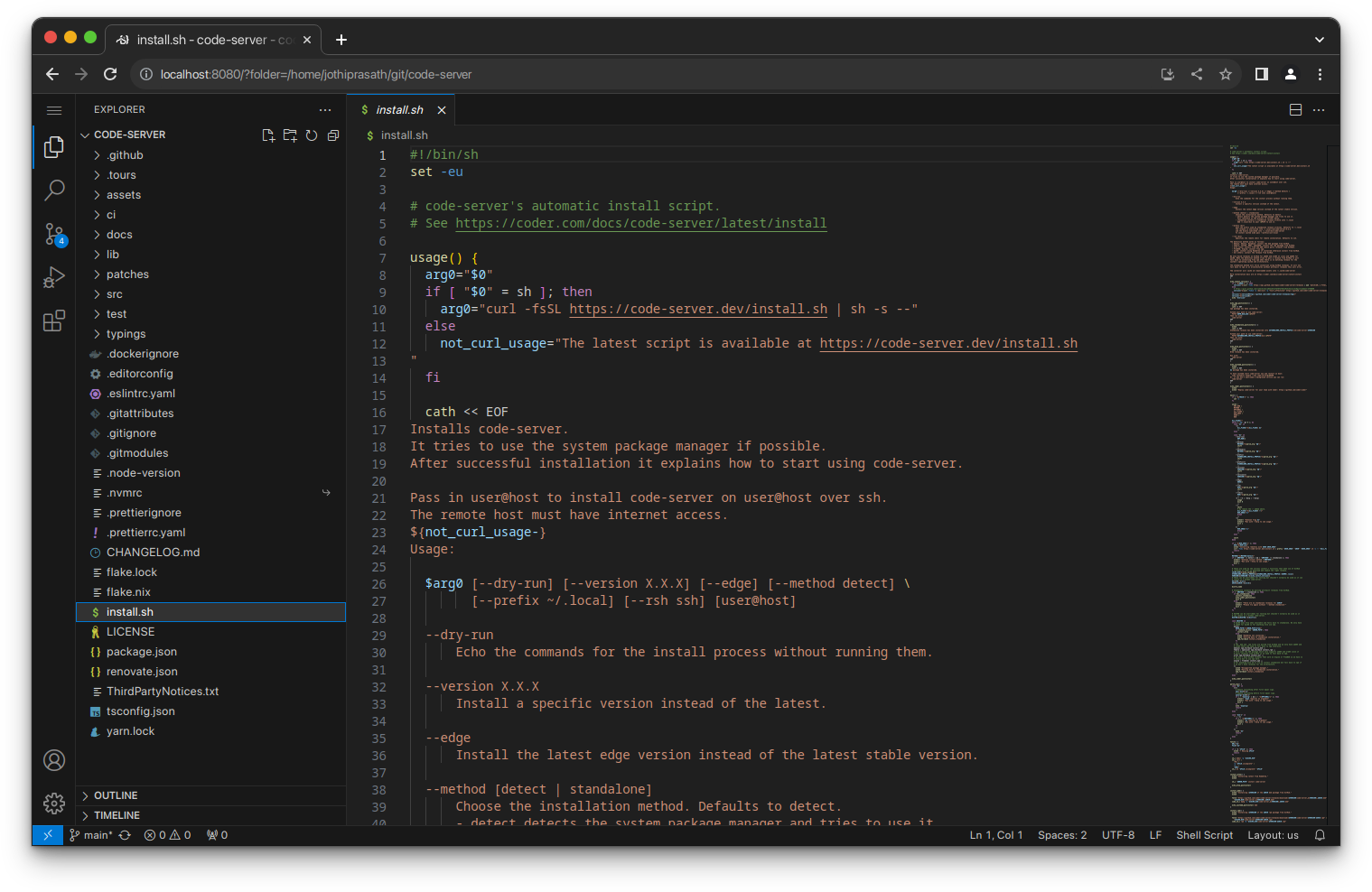
VS Code in the browser — run a full development environment on your FreeBSD server and access it from anywhere.
| Port | 8080 |
| Registry | ghcr.io/daemonless/code-server |
| Daemonless | daemonless/code-server |
| Source | coder/code-server |
| Website | coder.com/docs/code-server |
Version Tags
| Tag | Description | Best For |
|---|---|---|
latest |
Upstream Binary. Built from official release. | Most users. Matches Linux Docker behavior. |
Root Privileges Required
Podman on FreeBSD currently requires root. All commands must be run as root (or via doas/sudo).
Before deploying, ensure your host environment is ready. See the Quick Start Guide for host setup instructions.
Deployment
services:
  code-server:
    image: "ghcr.io/daemonless/code-server:latest"
    container_name: code-server
    environment:
      - PUID=1000  # User ID for the application process
      - PGID=1000  # Group ID for the application process
      - TZ=UTC  # Timezone for the container
    volumes:
      - "/path/to/containers/code-server:/config"
    ports:
      - "8080:8080"
    restart: unless-stopped
options:
  - virtualnet: ':<random> default'
  - nat:
services:
  code-server:
    name: code_server
    options:
      - container: 'boot args:--pull'
    oci:
      user: root
      environment:
        - PUID: !ENV '${PUID}'
        - PGID: !ENV '${PGID}'
        - TZ: !ENV '${TZ}'
    volumes:
      - CODE_SERVER_CONFIG_PATH: /config
volumes:
  CODE_SERVER_CONFIG_PATH:
    device: '/path/to/containers/code-server'
Interactive Configuration
Parameters
Environment Variables
| Variable | Default | Description |
|---|---|---|
PUID |
1000 |
User ID for the application process |
PGID |
1000 |
Group ID for the application process |
TZ |
UTC |
Timezone for the container |
Volumes
| Path | Description |
|---|---|
/config |
Configuration directory |
Ports
| Port | Protocol | Description |
|---|---|---|
8080 |
TCP | Web UI |
Work in Progress
This image is functional but may change significantly in a future release.
Common dev tools (gcc, clang, llvm, python, gmake, git, ssh) are baked into the image for now.
Running commands as root in Terminal
Podman strips the setuid bit from binaries at runtime, so sudo, su, and doas will not work inside the code-server terminal.
To allow running commands as the root user, we can use FreeBSD's MAC framework and the mdo command which does not depend on the setuid bit being set.
The mac_do kernel module has to be loaded on the host which runs Podman before the container is started.
You can load the module at runtime by running
rc.conf with
If the mac_do module is loaded when the container starts, it will automatically install a rule that allows the bsd user to execute commands as root by running mdo <command>.
To disable the installation of the mac_do rule that allows the privilege elevation, you can set the DISABLE_MDO environment variable to true or yes:
Installing Packages
If the mac_do module is loaded on the host you can install packages in the terminal by running
If the module is not loaded or if DISABLE_MDO is set to true you have to install additional packages from the host using podman exec:
# Podman
doas podman exec -it -u root code-server pkg install rust cargo

# AppJail
doas appjail cmd jexec code_server pkg install rust cargo
Packages are not persistent
If you recreate the container, you will need to reinstall any packages you have added.
Implementation Details
- Architectures: amd64
- User:
bsd(UID/GID set via PUID/PGID). Defaults to1000:1000. - Base: Built on
ghcr.io/daemonless/base(FreeBSD 15.0).
Need help? Join our Discord community.